 AI Rankia
ChatGPT Shopping: is it showing your products?
Ask ChatGPT what to buy and it can answer with product cards. AI Rankia re-runs the shopping questions you track and shows which brands and stores fill that shelf, in what position, and where you sit.
Shopping tabs from Monitor, $99/mo. Tracking uses no credits.
 ChatGPT
 Google AI Mode
 Perplexity
- Product
name - Brand
brand - Position
rank - Price
price · currency - Rating
rating · reviews - Store
retailer - Other offers
purchasing_options - Link and image
product_link · image
What AI Rankia stores from every product card, with the field names from our code. An illustration, not a capture: no real products. Format per OpenAI, checked on October 11, 2026.
A product shelf ads don't buy
ChatGPT picks products by relevance to the question and the user's context, from first- and third-party product data (OpenAI). That data comes from third-party providers or from merchants themselves, so a feed of your own is one route, not the only one.
A product card is not a mention
You can be named in the answer and missing from the carousel, or show up only as the store behind someone else's product.
You track shopping questions
Buyer questions in your category. Each prompt is classified as shopping, local or general on its first run.
We keep every product card
Every scheduled run, in ChatGPT, Google AI Mode and Perplexity: product, brand, position, price, rating, store.
You see who owns the shelf
Brands and stores ranked by share of shelf, coverage and position, with yours marked.
Who fills the shelf, and the clues behind it
Every product card across your prompts, ranked
By product brand or by store: you are counted whichever way weighs more, and you can switch.
Share of shelf, coverage, position, quadrant
- Share of shelf: the product slots each one takes
- Coverage: the share of shopping prompts where each one appears
- Average position, and price against the shelf average (main currency only)
- A quadrant: specialists, shelf owners, the long tail, and the ones everywhere but buried
The searches behind ChatGPT’s cards, and your place in them
ChatGPT rewrites a question into targeted searches and can pass a general location to search providers (OpenAI). Since September 16, 2026, we've seen each ChatGPT card carry those searches, the city and Google Shopping product IDs, and we read them.
Rerun in Google Shopping, limits, weekly tracking
- We rerun them in Google Shopping, same city, and mark you in the top 40
- Up to 40 searches per check, roughly once a day per brand at most
- Weekly tracking of your own keywords: top 10 in or out, and who moved ahead
Paid placements are a separate thing
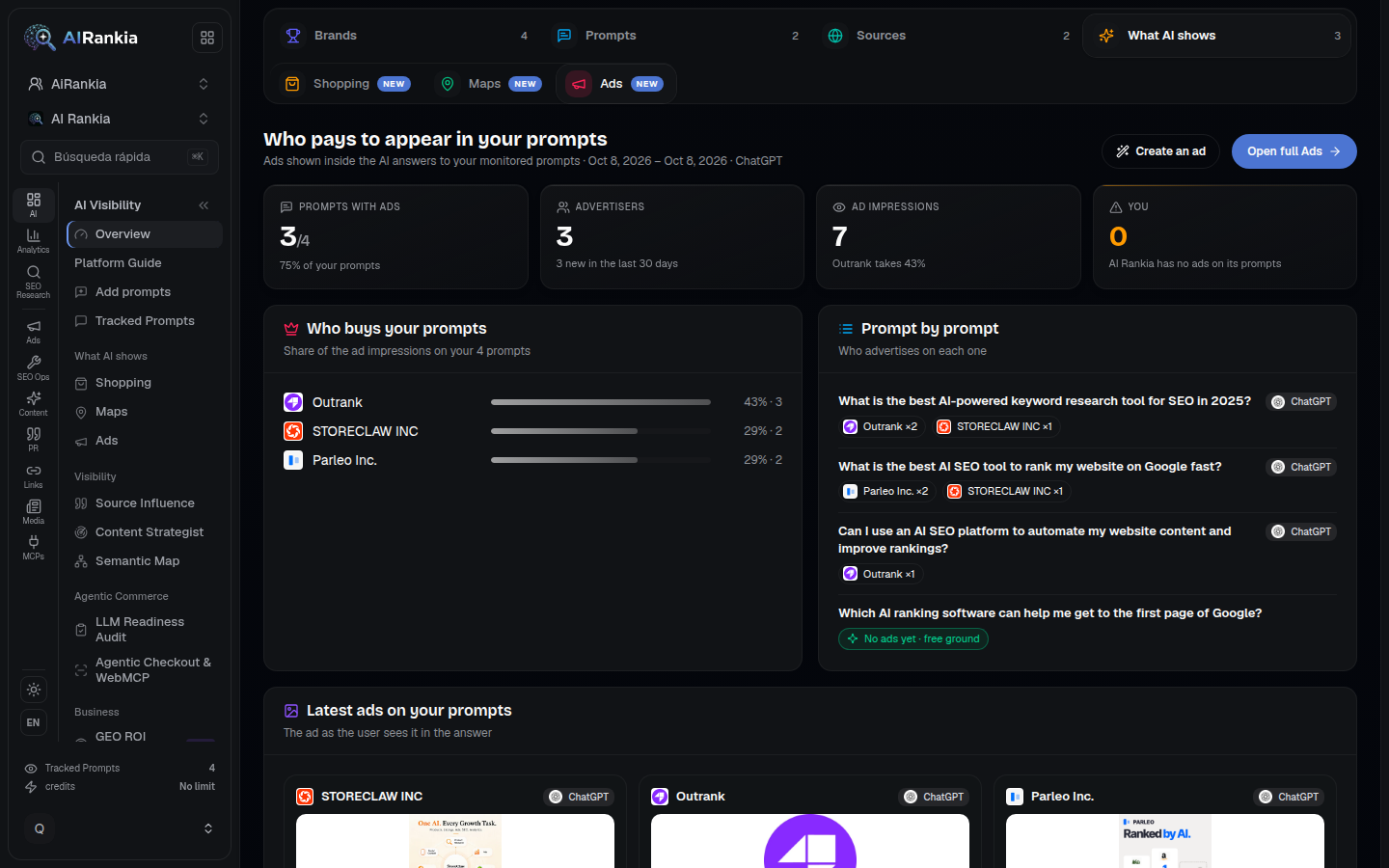
The Ads module, also on Agency, records the ads that show up on your tracked prompts.
ChatGPT, AI Mode and AI Overviews, by engine
- ChatGPT ads: stored as sponsored placements, never as shopping ads, even when an ad looks like a product card
- Google AI Mode: sponsored product units, with price and seller
- Google AI Overviews: the product row is kept; paid or not, our data can’t tell
Products ranked, run after run
ChatGPT, AI Mode and Perplexity shopping
ChatGPTGoogle AI ModePerplexityWhat in your catalog holds you back
The same numbers, wherever you need them
/api/v1/shoppingget_prompt_shopping_resultsWhat this can’t tell you
A sample, not every shopper.
Cards depend on the question and the person's context, such as Memory (OpenAI). We ask your tracked prompts from our side: no consumer volumes.Three engines show product cards.
ChatGPT, Google AI Mode and Perplexity, of the 17+ engines we track. Products only named in text (mostly Perplexity) count apart.Hidden searches are a clue, not ChatGPT’s choice.
OpenAI documents the rewritten searches and the shared location (OpenAI), not the card fields or the provider; AI Mode exposes none. A Google Shopping top 40 means you were an option, not ChatGPT's pick.What the card said, not what sold.
Prices come from third-party providers, may not be the lowest and can lag a change (OpenAI). No clicks or orders: connect GA4 for visits.“Yours” is matched by name, so generic names can over- or under-count.
- Carousel
- Card brand, store or store domain equals or starts with your name or a profile variation.
- Google Shopping
- Brand name or domain as a whole word in title or store, or a store starting with it (5+ letters).
Where to look for your products in AI shopping answers
| Feature |  AI Rankia AI Rankia | ChatGPT, asked by hand |  Google Merchant Center Google Merchant Center |  Google Analytics 4 Google Analytics 4 |
|---|---|---|---|---|
| In the answers | ||||
| Products and stores shown for your category’s questions, competitors included | Yes | One answer at a time | Not found advertised | Not found advertised |
| Same questions re-run on a schedule, with history | Yes | Not found advertised | Not found advertised | Not found advertised |
| ChatGPT, Google AI Mode and Perplexity side by side | Yes | If you ask each one | Not found advertised | Not found advertised |
| The shopping searches ChatGPT ran behind its cards | Since Sep 16, 2026 | Not found advertised | Not found advertised | Not found advertised |
| Your catalog and traffic | ||||
| Product data issues Google flags (GTIN, MPN, brand, disapprovals)Identifier checks per Google’s unique product identifiers help page. | Reads your Merchant Center | Not found advertised | Yes | Not found advertised |
| Visits from ChatGPT to your site | With GA4 connected | Not found advertised | Not found advertised | Sessions referred from chatgpt.com |
Yes advertisedNot found advertised not found advertised
Checked on on each vendor's public pages and docs. ✗ means we did not find it advertised on that date, not that it does not exist.
“ChatGPT, asked by hand” is not a product: it is you typing each question into ChatGPT. In that column, ✓ and ✗ say what you can see doing it yourself, not what a vendor advertises.
Brand or store?
A maker shows up as the product, a retailer as the place to buy it. The Landscape switches views.Coverage before position.
Top spot on two questions is a niche; a middling spot on most is a presence.One engine, over time.
A cross-engine total can hide a gap, and carousels change run to run. Compare one engine over 30 or 90 days.Searches next to your feed.
Compare ChatGPT's searches with your product titles and identifiers: they can use words the buyer never typed.If a product has a GTIN, send it
“Products with an assigned GTIN, but submitted without one, may have limited visibility” (Google).
What changed in ChatGPT shopping in 2026
Ads arrive, separate from products
Tested in the US on the Free and Go plans, below the answer, labelled as sponsored and separate from product results (OpenAI).
Discovery over checkout
More visual product results, side-by-side comparison, and product feeds via the Agentic Commerce Protocol, also through Salesforce or Stripe. Instant Checkout “did not offer the level of flexibility that we aspire to provide” (OpenAI).
Shopping answers get more coherent
A GPT-5.5 Instant update uses location context better and brings product recommendations and images together more coherently (OpenAI).
Try on and save to Library
A “Try on” button on clothes and accessories listings makes a virtual try-on from a selfie, and any product can be saved to Favorites or a folder in the ChatGPT Library (OpenAI).
Mixed signals on checkout
The help page still mentions Instant Checkout for some merchants (OpenAI); the checkout article linked from the 2025 release notes returns a 404.
Buying inside the chat is no longer what OpenAI says it builds around. The carousel is what to watch.
Questions people ask
What is ChatGPT Shopping?
How do I use ChatGPT Shopping?
Are ChatGPT Shopping results ads?
How does ChatGPT choose which products to show?
How do I get my products into ChatGPT Shopping?
Does AI Rankia track ChatGPT shopping research?
Does it track Perplexity shopping too?
Can I track ChatGPT Shopping traffic in Google Analytics?
See what AI puts on the shelf for your category
The free scan asks AI engines buyer-style questions for your category and shows whether they name you, and who instead. Product tracking needs a paid plan.