 AI Rankia
WordPress MCP that publishes, adds schema and links your posts
Connect AI Rankia to Claude and ask in plain words: publish this article, push its schema, place the suggested internal links. Every change to your live site is shown first and waits for your yes.
Works in these and other MCP clients Claude
 ChatGPT Business & Enterprise
ct_publish{ "article_id": "8f2c…", "as_draft": true }{
"would_publish": "How to find orphan pages",
"words": 2140,
"site": "yourblog.com",
"goes_to": "wordpress",
"warning": "This puts the article in front of real visitors. Nothing was published.",
"to_go": "Call again with confirm=true."
}It would go to yourblog.com on WordPress, as a draft. Shall I go ahead?ct_publish · confirm: true{ "ok": true, "published": {
"destination": "wordpress",
"wp_post_id": 1482, "status": "draft_ready" } }Two connections, one conversation
Connect WordPress
In Content Hub, one click. WordPress creates an Application Password and sends it to us.
Add the MCP
Add mcp.airankia.com as a connector in Claude and sign in. In ChatGPT, an admin adds it as an app (Business, Enterprise, Edu).
Ask, check, confirm
The assistant shows what it would change. Nothing goes live until you say yes.
Five tools write. None without a yes.
Tool names exactly as your assistant sees them. Each write shows a preview and waits for confirm=true.
Changes your live site
needs confirm=truect_publishPublishes a Content Hub article to your WordPress, live or as a draft.Images, schema and internal links go the same way as the panel’s button.ct_internal_linksLists pending link suggestions; apply writes each one into the live post.One link per suggestion, up to 10 per call.ct_schema_saveHas a real crawler validate the JSON-LD and stores it only if clean.Small crawl fee. Live at once if your brand has auto-push or the edge worker; otherwise it waits for ct_schema_publish.ct_schema_publishPushes stored JSON-LD through the AI Rankia WordPress plugin.Silences Yoast or Rank Math on those pages; backs up the old JSON-LD first.ct_article_fixFind-and-replace on sentences of a published article, live included.A new number needs a source URL. All edits or none.
Reads and checks
changes nothing on the sitect_articlesWhat is published and what is still a draft, with each live URL.Free.ct_schema_auditEvery page’s schema, and published pages with none at all.Free.ct_schema_validateCrawls the live page and checks the schema it really serves.Small crawl fee, ~30–60 s.ct_schema_writeGives the assistant the page’s text, current JSON-LD and entities to write new schema.Free, unless it first runs the entity analysis: 10 credits, and it asks before.
Articles are Content Hub articles; schema works on any page of your site. Content Hub is in the Brand ($349/mo), Autopilot ($899/mo) and Agency plans.
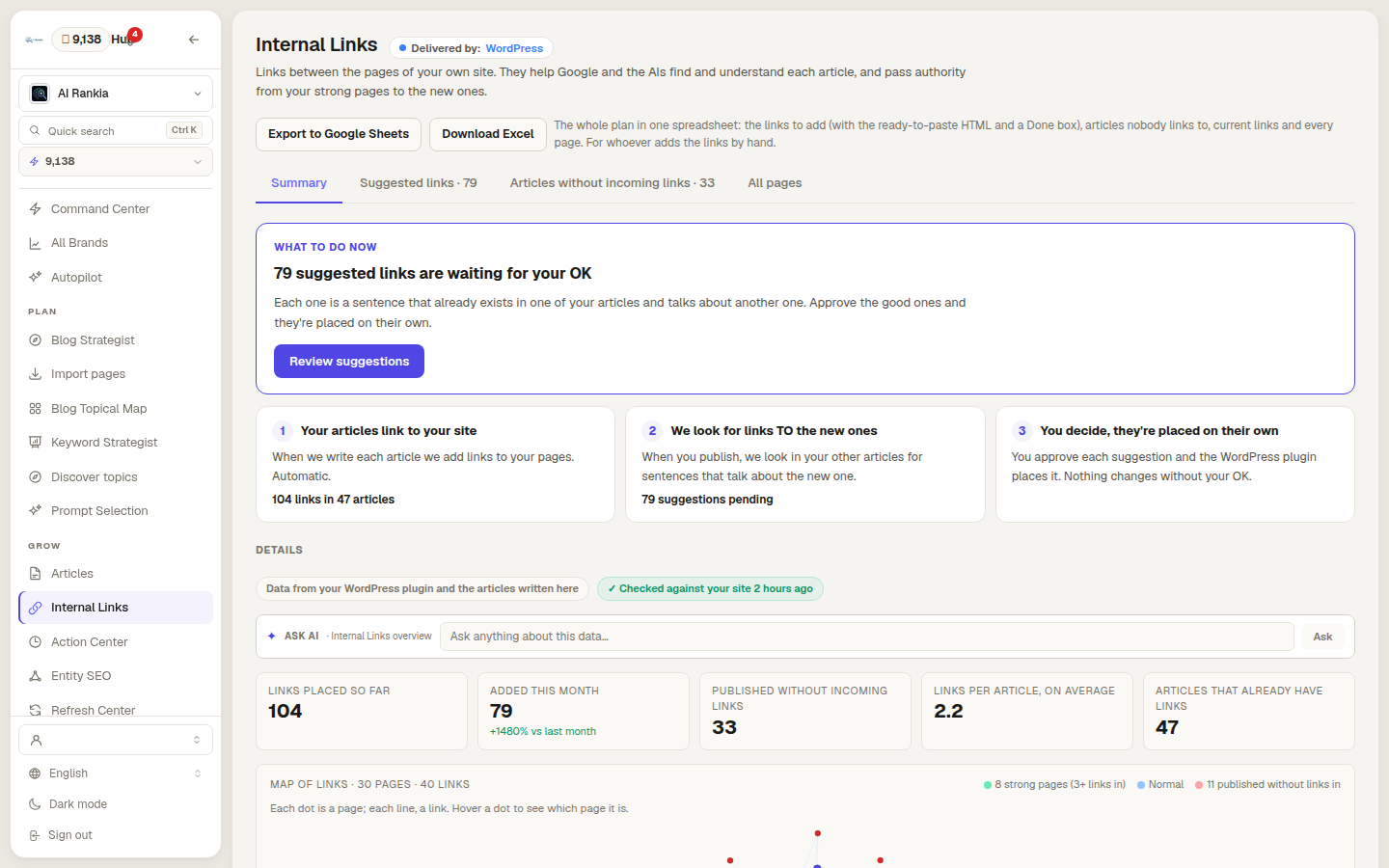
Suggested links, written into the live post
Ask for the pending suggestions, pick the ones you like, confirm. ct_internal_links adds one link per suggestion to the WordPress article.
- Up to 10 per call
- Same route as the panel’s button
- Reject the ones you don’t want
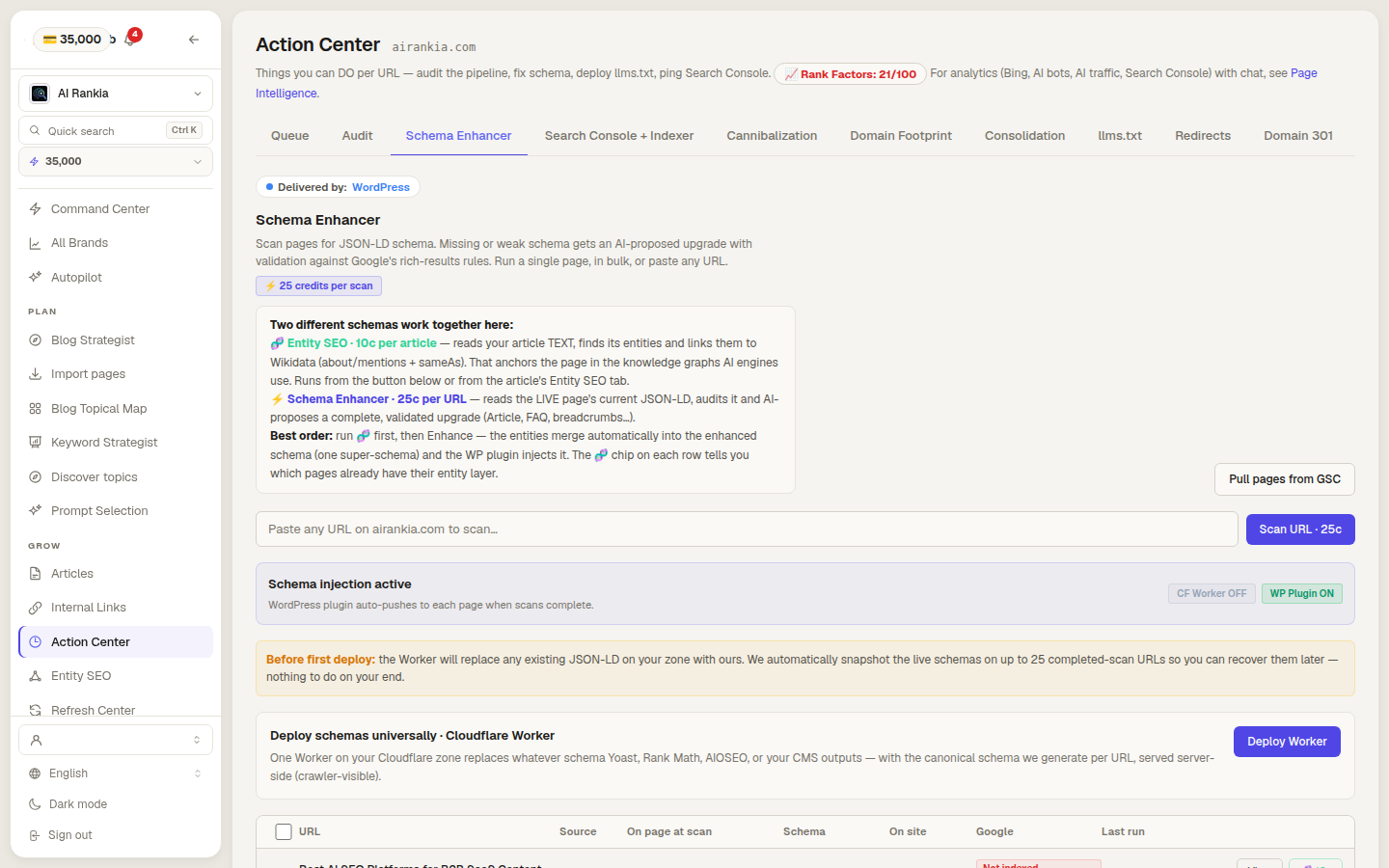
JSON-LD that is validated before it ships
The assistant writes the schema, ct_schema_save has a crawler validate it, and ct_schema_publish pushes it through the AI Rankia plugin.
- Refuses markup with errors
- Old JSON-LD backed up first
- Yoast or Rank Math output replaced on those pages
What it doesn't do
- It is not a site manager.
No media, comments, plugins, users, menus or settings. For that, use an official WordPress MCP.
- It publishes Content Hub articles only.
It won’t open and rewrite an arbitrary post or page of your site.
- Schema needs our plugin.
Without the AI Rankia plugin (or the edge worker), stored schema waits; nothing reaches the page.
- No WordPress connected, nowhere to publish.
ct_publish says so before trying. The article stays safe in Content Hub.
- Links placed in WordPress stay there.
Removing one means editing the post. The MCP doesn’t take links back out.
- Some schema calls cost a little.
ct_schema_validate (30–60 seconds) and ct_schema_save charge a small crawl fee. ct_schema_write is free unless it first runs the entity analysis, which costs 10 credits and asks before.
Yes, there are official ones. Here's the difference.
Checked on their own docs on October 13, 2026. They manage the site; ours does the SEO work on it. They can run side by side.
SEO work
Publishes with images, schema and internal links in one step
- AI Rankia
- Content Hub articles
- MCP Adapter
- Not found advertised
- WordPress.com
- Not found advertised
Validated JSON-LD schema per page
- AI Rankia
- Via the AI Rankia plugin
- MCP Adapter
- Not found advertised
- WordPress.com
- Not found advertised
Internal link suggestions, applied on approval
- AI Rankia
- Yes
- MCP Adapter
- Not found advertised
- WordPress.com
- Not found advertised
Site management
Create and edit any post or page
- AI Rankia
- Not found advertised
- MCP Adapter
- Only abilities plugins register; core ships 3 read-only
- WordPress.com
- Drafts by default
Media, comments, taxonomies
- AI Rankia
- Not found advertised
- MCP Adapter
- If a plugin registers them
- WordPress.com
- Yes
Block-level editing
- AI Rankia
- Not found advertised
- MCP Adapter
- If a plugin registers them
- WordPress.com
- Yes
Who and where
Made by
- AI Rankia
- AI Rankia
- MCP Adapter
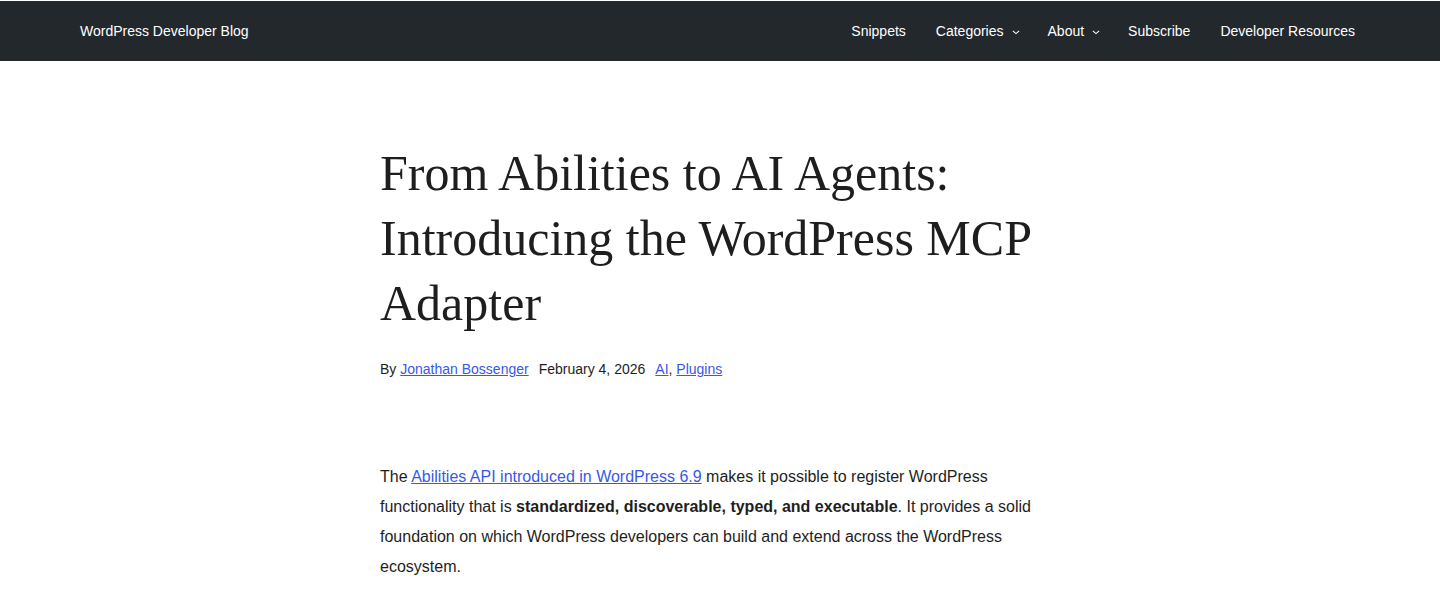
- WordPress Core AI team (open source)
- WordPress.com
- Automattic, built into WordPress.com
Self-hosted WordPress
- AI Rankia
- WordPress 5.6+ to publish and link; schema needs our plugin (WordPress 6.2+)
- MCP Adapter
- Plugin, WordPress 6.9+
- WordPress.com
- With Jetpack AI or Jetpack Complete
Sign-in
- AI Rankia
- OAuth or API key
- MCP Adapter
- Application passwords by default
- WordPress.com
- OAuth 2.1
Safety
Asks before writing
- AI Rankia
- confirm=true on every write
- MCP Adapter
- Permission checks per ability; confirmation is up to the MCP client
- WordPress.com
- user_confirmed: true on every write
| Feature | AI Rankia MCP | WordPress MCP Adapter | WordPress.com MCP |
|---|---|---|---|
| Who and where | |||
| Made by | AI Rankia | WordPress Core AI team (open source) | Automattic, built into WordPress.com |
| Self-hosted WordPress | WordPress 5.6+ to publish and link; schema needs our plugin (WordPress 6.2+) | Plugin, WordPress 6.9+ | With Jetpack AI or Jetpack Complete |
| Sign-in | OAuth or API key | Application passwords by default | OAuth 2.1 |
| Site management | |||
| Create and edit any post or page | Not found advertised | Only abilities plugins register; core ships 3 read-only | Drafts by default |
| Media, comments, taxonomies | Not found advertised | If a plugin registers them | Yes |
| Block-level editing | Not found advertised | If a plugin registers them | Yes |
| SEO work | |||
| Publishes with images, schema and internal links in one step | Content Hub articles | Not found advertised | Not found advertised |
| Validated JSON-LD schema per page | Via the AI Rankia plugin | Not found advertised | Not found advertised |
| Internal link suggestions, applied on approval | Yes | Not found advertised | Not found advertised |
| Safety | |||
| Asks before writing | confirm=true on every write | Permission checks per ability; confirmation is up to the MCP client | user_confirmed: true on every write |
Yes advertisedNot found advertised not found advertised
Checked on on each vendor's public pages and docs. ✗ means we did not find it advertised on that date, not that it does not exist.
Not in the table: Automattic's first WordPress MCP plugin, Automattic/wordpress-mcp, is deprecated and archived; its README points to the MCP Adapter and the WordPress.com docs.
- WordPress Developer Blog — Introducing the WordPress MCP Adapter (Feb 4, 2026) ↗
- GitHub — WordPress/mcp-adapter ↗
- GitHub — Automattic/wordpress-mcp (deprecated and archived) ↗
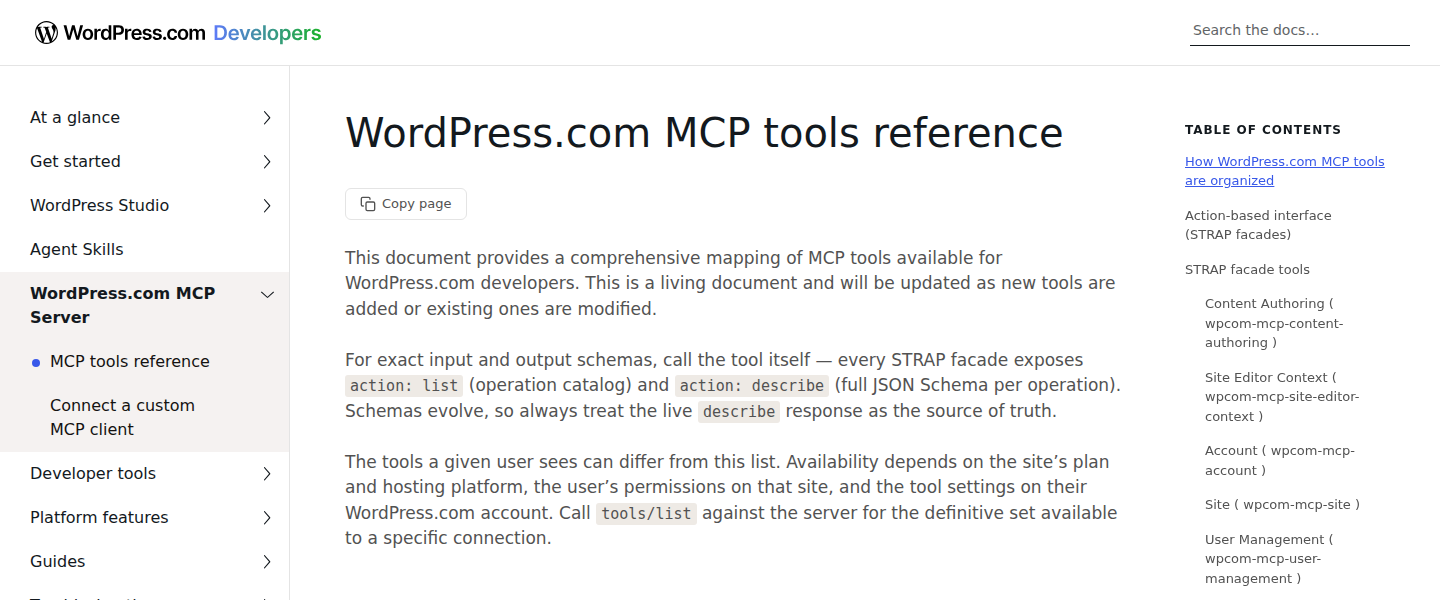
- WordPress.com MCP Server docs ↗
- WordPress.com MCP tools reference ↗
- WordPress VIP — WordPress MCP (last updated Jul 2, 2026) ↗
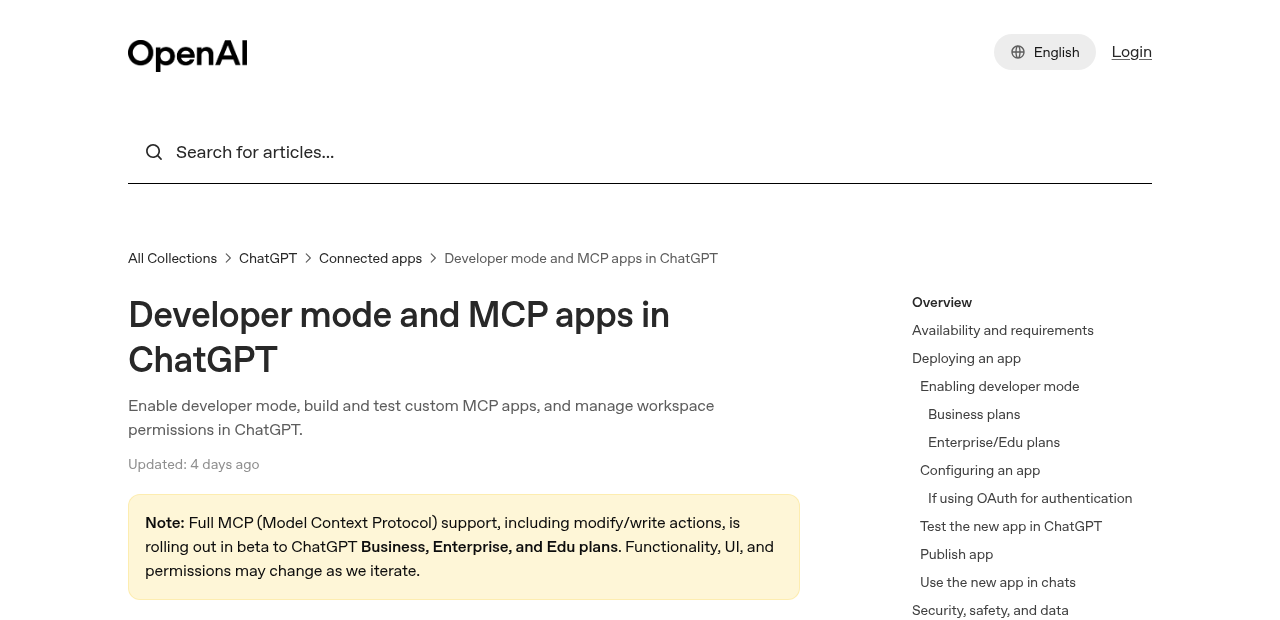
- OpenAI Help — Developer mode and MCP apps in ChatGPT ↗
Where the official ones are better
- They run the whole site.
Posts, pages, media, comments, taxonomies; WordPress.com also plugins and users.
- Block-level edits.
WordPress.com can replace or move one block instead of rewriting a page.
- Free and open source.
The MCP Adapter is GPL; any plugin can expose its own abilities through it.
Questions people ask
What is a WordPress MCP?
Is there an official WordPress MCP server?
Is Automattic’s wordpress-mcp plugin still the one to use?
Can I use AI Rankia’s MCP and an official one together?
Will Claude publish without asking me?
Do you get my WordPress password?
Does it work with ChatGPT?
Connect WordPress, then ask
Content Hub, with its WordPress tools, starts with Brand at $349/mo.
ct_publishArticle → your WordPressconfirm=truect_schema_publishJSON-LD → AI Rankia pluginconfirm=truect_internal_linksSuggested links → live postconfirm=true