Paste a URL and follow its redirects hop by hop: each status code, Location header and time, the final URL, and the loops, chains and temporary hops worth fixing.
 OpenAI3 crawlers
 Perplexity2 crawlers
http://wikipedia.org/https://wikipedia.org/https://wikipedia.org/https://www.wikipedia.org/https://www.wikipedia.org/http://wikipedia.org on 10 Oct 2026: two permanent hops (http → https, then to www) before the page. Times are from our server.Type http:// to test the http version; without a scheme we start at https://. We follow up to 10 redirects, 8 seconds per hop.
The rules this tool's verdict is built on, from Google's own documentation (read 10 Oct 2026).
A GET with the User-Agent you pick and no cookies. We read the status, the Location header and the time to the response headers.
Up to 10 redirects, 8 seconds per hop. On a 200 we also read the Refresh header and the meta refresh in the first 64 KB of HTML.
Loops, chains, https to http, temporary or mixed hops, and a final URL that isn't a 200. No AI: fixed rules you can read below.
Each hop gets the colour of its type. This is what Google says about each one, in its words.
Refresh header) is read "as permanent" GoogleRefresh header) is read "as temporary" Googlehttp → https, then a jump to www (or the reverse) is the usual chain. It works, but every hop is one more request before the page.
A CDN or firewall can redirect a crawler differently, or refuse it. Pick one of these User-Agents, each copied from its company's documentation (linked below), and compare.
If the browser gets a 200 and GPTBot gets a 403 or a different chain, a rule on your server or CDN is treating that crawler differently.
We don't run scripts. Google says it "might never see" a JavaScript redirect if rendering fails (source).
We don't send cookies back, so a site that redirects until a cookie is set can look like a loop here.
Times include our connection to your server, not your visitors'. Geo or language redirects see our location.
A 401, 403, 429 or anti-bot challenge says your server refused us. People and crawlers may still get through.
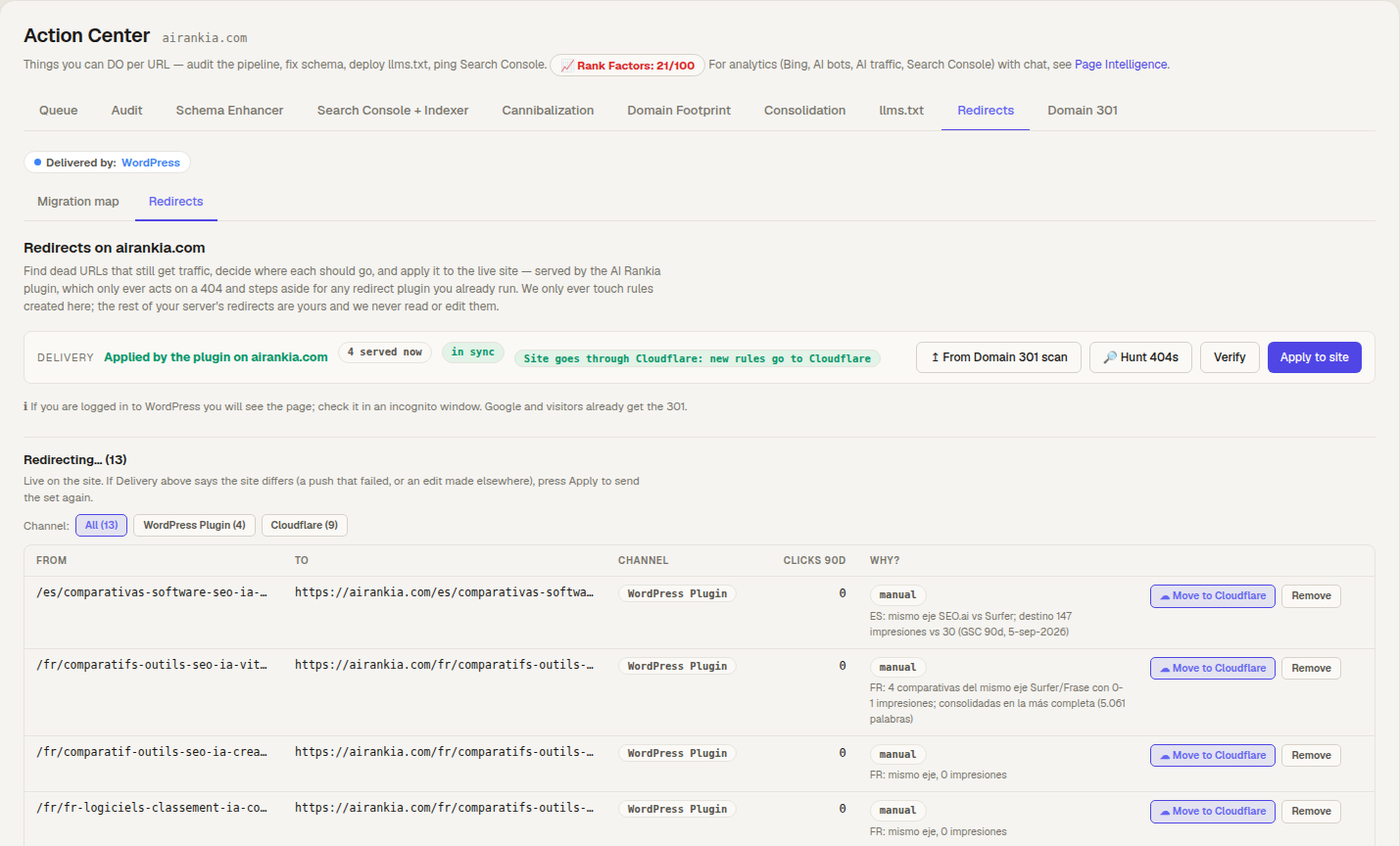
The Redirects tab of the Action Center finds dead URLs that still get traffic and proposes where each should go. You approve; the AI Rankia WordPress plugin, or Cloudflare if your site goes through it, serves the redirect.
http:// to test the http version too.AI Rankia tracks whether AI engines mention and cite your brand, and its Content Hub finds the dead URLs Google still sends you traffic to and redirects them.
http://example.com/301https://example.com/301https://www.example.com/http://example.com/301https://www.example.com/https://example.com/301https://www.example.com/Google and Bing document reverse DNS checks so site owners can verify their crawlers, and many firewalls do exactly that, so a request that only borrows their User-Agent proves nothing. Anthropic doesn't publish a full ClaudeBot User-Agent string to copy.
A firewall that checks IP ranges sees us, not OpenAI or Perplexity. Your server logs are the proof.
Only http and https on ports 80 and 443, and never to private network addresses.
To check a whole site's redirects, see the Content Hub section below.
 AI Rankia